
You can Login with valid login credentials. You can see password with “Show/Hide” eye icon. By default, “Sign in” button will show disabled. It will show enable when you enter value in both fields. You can reset your password by selecting “Forgot Password?” label. You will navigate to forgot password page. You can read “terms and conditions” & “privacy policy”. you can create new account by selecting “Create New” label. You will be navigating to create account page.

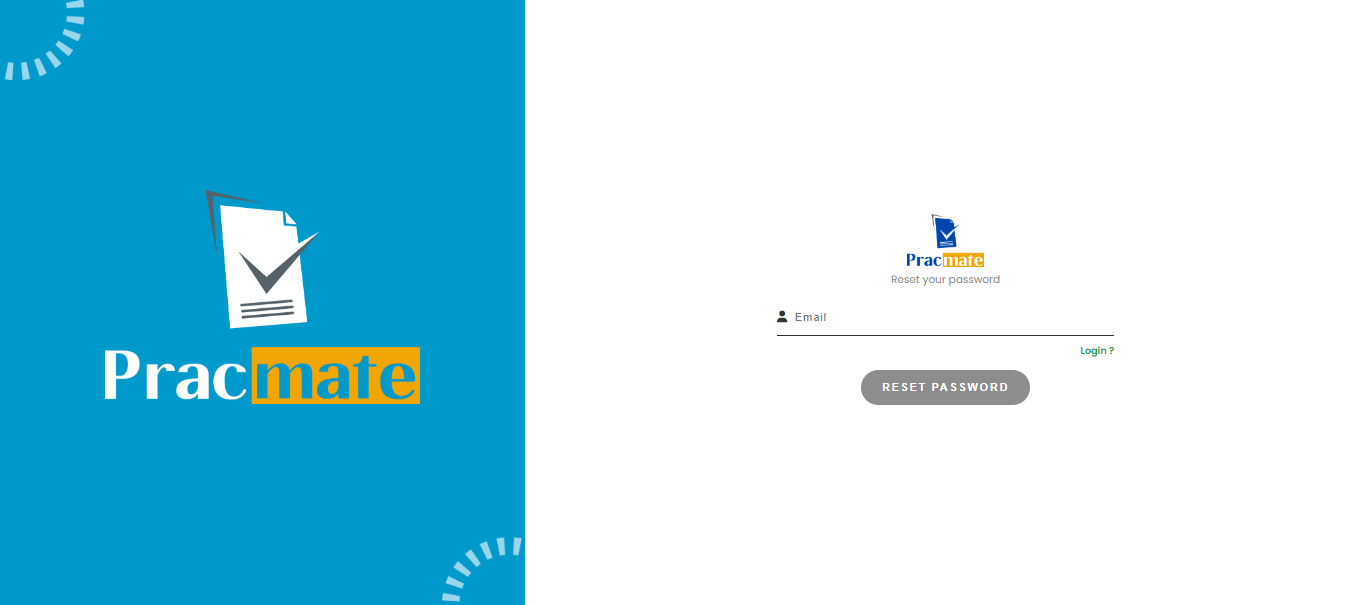
You can reset your password by following procedure in forgot password page. You need to enter valid email id for which you need to reset your password in email field. After entering email in email field, “Reset Password” button will get enable. You need to click on “Reset Password” button. You can go back to “Login” page, by clicking on “Login?” label.
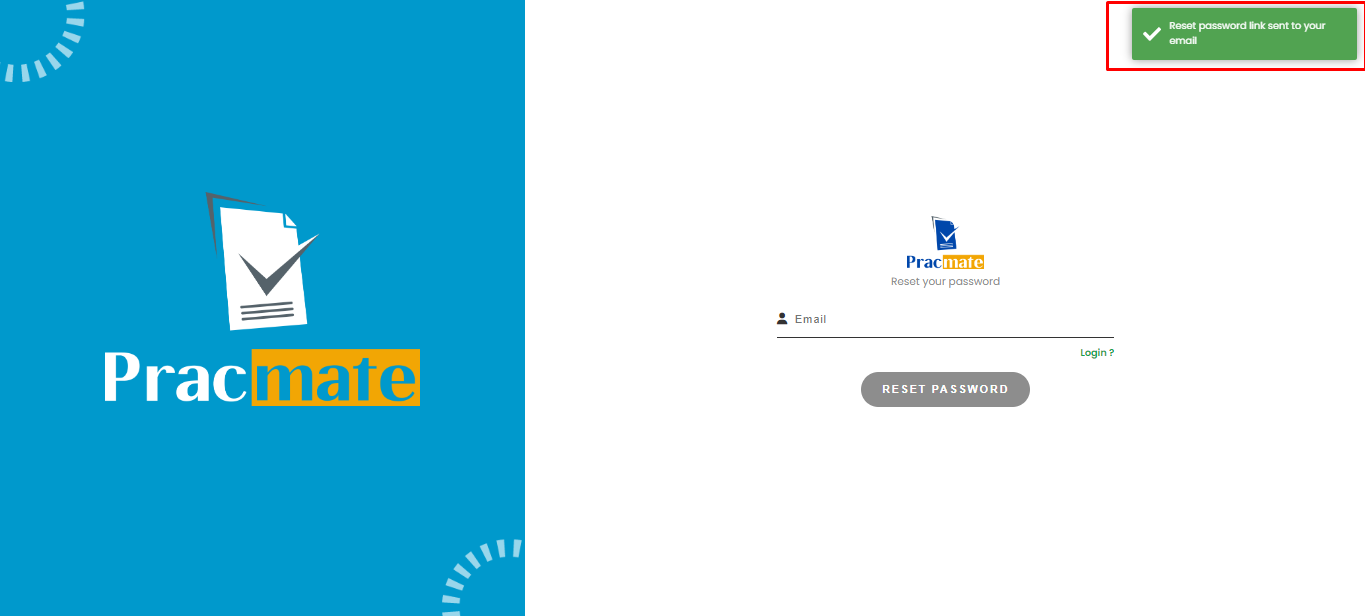
Once you click “Reset Password” button with valid email id, it will show success toast in which, it will mention, “Reset password link sent to your email”. You need to check your email id for reset password link.
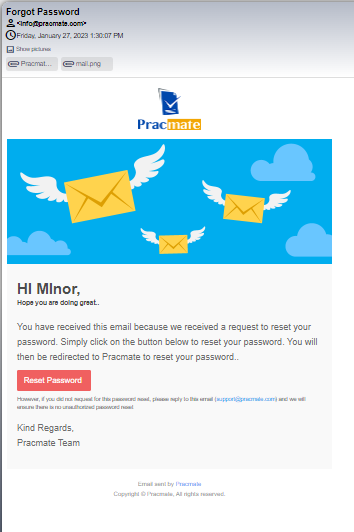
You wiill received below shared screen shot template in email. You need to click on “Reset Password” button to reset your password, it will navigate you to “Reset Password” page.
On Reset Password page, you need to enter new password in “Password” & “Confirm Password” field.

After entering valid new password, I will reset your password & you will navigate to login page.so now you can login with new password.
