On “New Ticket” button selection, it will open create ticket popup.

Once create new ticket, it will show in list page with particular details showed in below screen shot.

From action column, on chat button selection, it will open chat page where user can chat with opponent. User can attach documents from attach file button. To add comment, user can enter text in comment box & on “Post Comment” button selection, comment will send to opponent. Also all conversations with show in list here with attached files.
To close ticket, user can select “Close Ticket” button showing besides “Post Comment” button. Once query closed, it will not show in default list.

To Reopen closed queries, you need to select “Show Closed Tickets” checkbox. On checkbox selection, it will show all closed tickets in list. Now user need to select “Reopen” button showed in action column. On confirmation of reopen ticket popup, query will remove from the closed tickets list & will again show in default list. User can also reopen query from the chat list “Reopen Ticket” button.

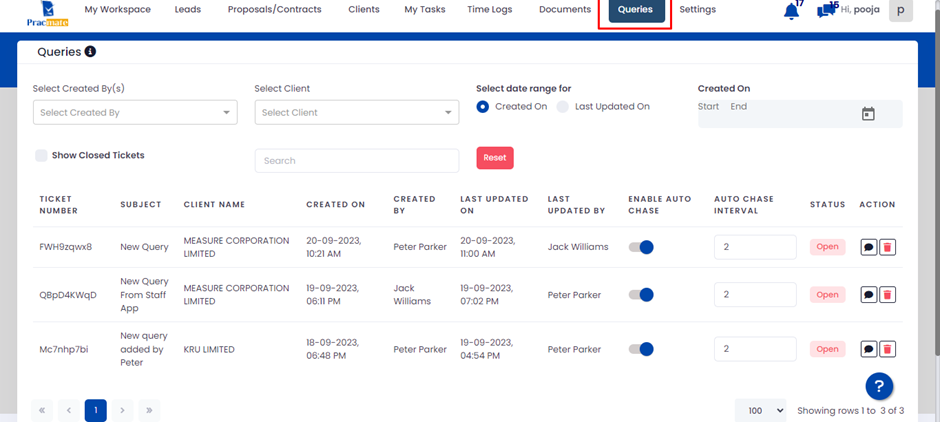
From above shared screen shots user can manage client wise queries but to manage all clients’ queries in single page, user can manage it from queries module. Here user can see all clients’ queries. Other actions will remain same as shown above.